
Use GA4 Explorations to Understand the Dealer VDP-to-Lead Path
A VDP report is more useful when it shows the paths and actions around a vehicle page, not just a view count.
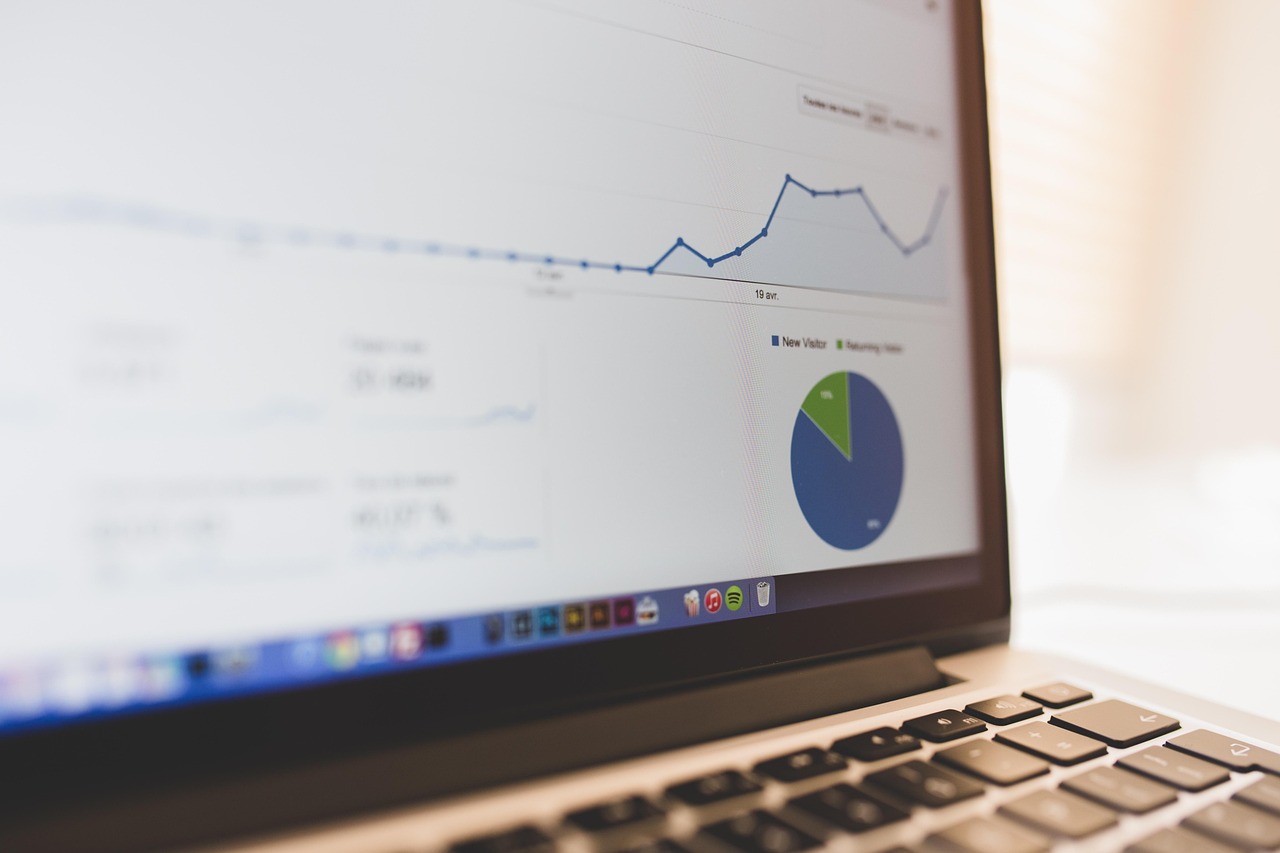
Ask What the VDP Is Supposed to Help Someone Do
Vehicle-detail pages can support several next steps: call the store, request availability, start a trade conversation, calculate payments, save a vehicle, or compare another unit. A basic page-view total does not tell a merchandising or BDC team whether the page helps a shopper progress. Before opening an exploration, choose one journey question. For example: “After viewing a used SUV, which next actions occur before a valid sales inquiry?” A focused question keeps the analysis from becoming a gallery of unrelated metrics.
Define the page and action events first. Decide how a VDP is identified, how a form or call is counted, and which parameters describe the vehicle or department. Include a service page and a trade page only when the business question needs comparison. If a vendor's event names are inconsistent, fix or document the limitation before interpreting a path. An exploration cannot turn missing context into reliable evidence.
Build a Path With Useful Branches
Start from a VDP view and examine the next meaningful action rather than every scroll and carousel click. Branch to finance interaction, call, lead form start, lead submit, trade start, inventory return, and exit. Add a second step only when it answers the question, such as whether a form start reaches a confirmation. A path with too many decorative events becomes difficult to read and can imply a customer sequence that the measurement implementation never proved.
- Entry context: landing page or campaign context, with scope clearly labeled.
- VDP identity: vehicle category or approved identifier that remains interpretable.
- Intent actions: call, form start, form submit, payment interaction, trade, or save.
- Department: sales or service when the same site supports both.
- Outcome status: observed action, confirmed appointment, qualified record, or unavailable.
- Segments: mobile versus desktop, new versus used, or model group only when useful.
Compare Paths Without Calling Them Causal
A path exploration can show that visitors who view a VDP often return to search results before submitting a form. It cannot by itself prove that the page caused or prevented a sale. Compare patterns by vehicle type, page template, device, and traffic context, then pair the findings with CRM and inventory data. A low inquiry rate may reflect unavailable vehicles, confusing pricing, poor response, or shoppers who call instead of submitting. Treat the exploration as a way to choose the next question.
Use cohorts or segments carefully. A “mobile visitors” segment may include many visits and devices, while a “returning users” segment depends on the property's identity and reporting settings. Keep denominators visible and avoid comparing tiny model groups with broad totals. If a segment is too small or data is thresholded, state that limitation. The purpose is to improve a page or process, not to manufacture a ranking of every VIN.
Turn the Finding Into a Testable Change
Suppose the exploration shows that shoppers on used-vehicle pages frequently open the trade form but rarely complete it. Review the form's required fields, mobile behavior, appraisal explanation, and follow-up expectation with the acquisition team. If visitors call after viewing a VDP, ensure the phone action and call handling are visible and measured appropriately. If a model group receives many views but no usable inventory, merchandising may need a clearer availability message rather than a new button. Tie every insight to an owner and a reversible change.
Exploration Checklist
- State one VDP journey question and the decision it should inform.
- Validate page, vehicle, department, and action event definitions.
- Keep the path to meaningful actions and label intermediate steps honestly.
- Compare sensible segments with visible denominators and data limitations.
- Reconcile important findings with inventory, CRM, and call records.
- Document the owner, change, date, and follow-up question created by the analysis.
FAQ
Should every click be included in a VDP path?
No. Include events that answer the journey question. Excessive micro-events obscure the actions a merchandising or BDC team can improve.
Can the exploration identify the best-selling vehicle?
It can describe observed page and action behavior, but sales and inventory systems remain the source for sold outcomes. Reconcile before making a merchandising decision.
Want to implement these strategies?
Relevant Dealer can run this exact playbook for your operation.
Talk to an Operator